
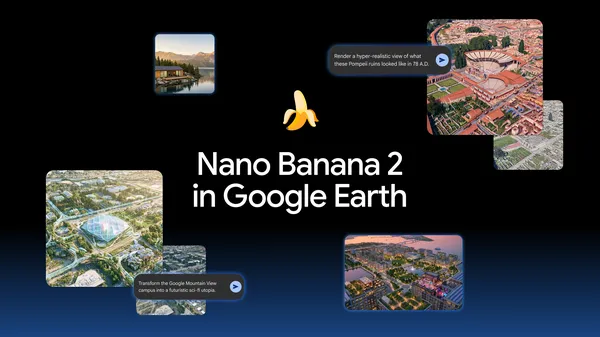
Google has launched a new generative image feature for Google Earth on the web, utilizing the company's Nano Banana 2 model. The tool allows users to create visual mock-ups of specific locations by combining text prompts with existing satellite, aerial, and 3D map data. The feature is available globally starting today, enabling users to transform their view of the world into conceptual renderings.
The integration is designed to help users visualize potential changes to their environment or explore historical contexts. By selecting a location and entering a prompt, users can request modifications such as adding greenery, redesigning public spaces, or visualizing future architectural projects. Google suggests that because the generated images are grounded in the platform's underlying geospatial data, the results provide a more contextualized representation than generic AI-generated imagery.
Beyond urban planning and design, the tool includes functionality for educational purposes. Users can request visual explainers for landmarks, such as the Statue of Liberty or the Colosseum, which the system populates with historical facts and key dates in an infographic format. Google also highlights potential use cases for educators, such as rendering historical scenes over modern-day ruins to help students visualize the past.
While the tool offers new creative capabilities, it has drawn scrutiny regarding its practical application and accuracy. Critics have noted that the generated images are conceptual rather than precise architectural renderings, and there are inherent risks of factual inaccuracies common to generative models. Google has not specified whether the feature is limited to high-profile landmarks or if it is functional for any location globally.
The rollout marks an expansion of Google Earth's utility, shifting the platform from a tool for viewing existing geography to one that facilitates imaginative exploration. Users can access the feature by navigating to a location on the Google Earth web interface and selecting the create image option to begin generating concepts.